Back
🌍Play Obby: Dig it Free Online
🌍
Obby: Dig it
Simulation Game
⭐ 4.3/5 Rating
🔥 1M+ Plays
Rating: ★ 4.3|1M+ Plays
|
📝 About Obby: Dig it
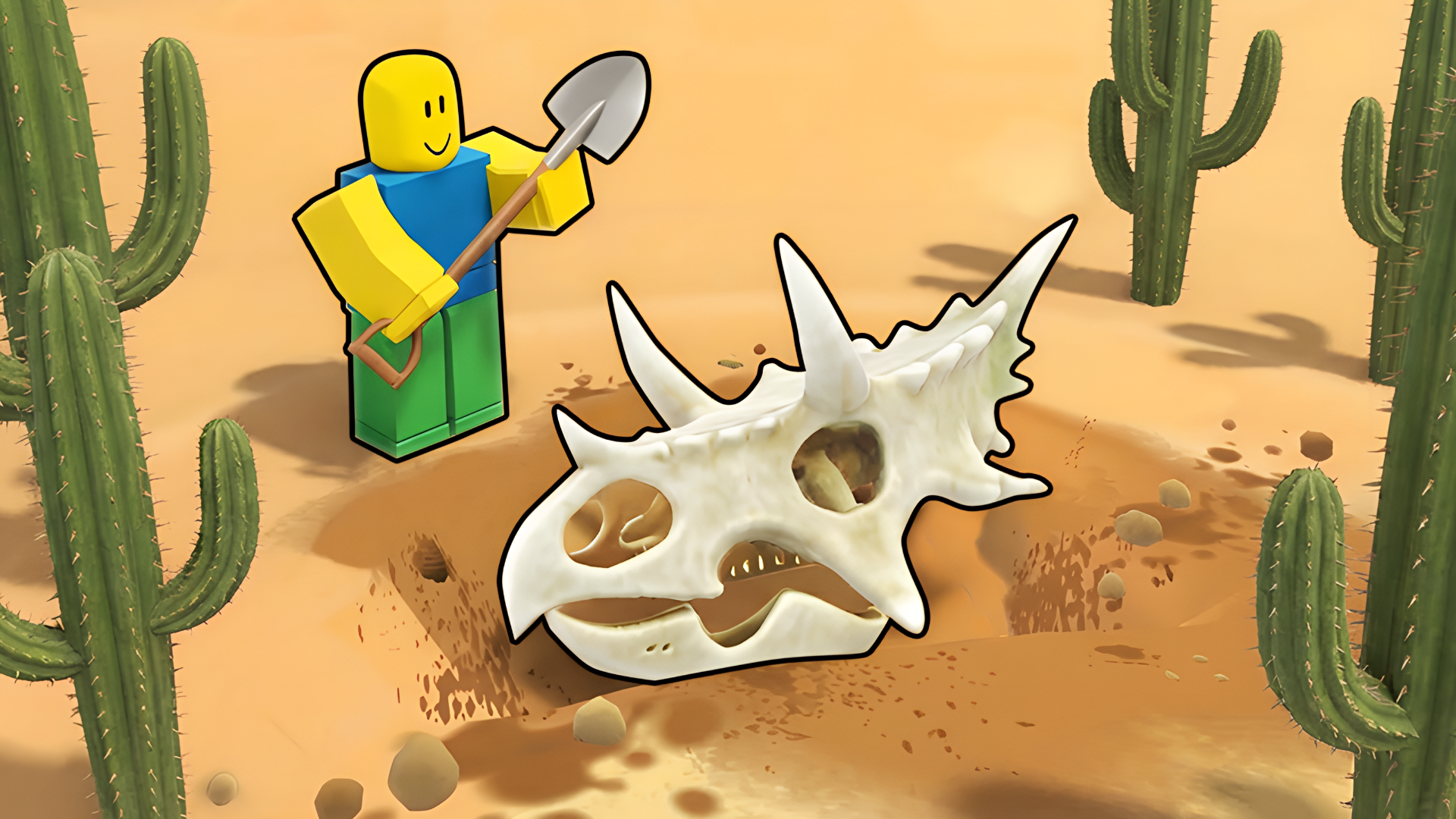
Digging Simulator! 🤩 Simple, fun, and endlessly surprising! ♾️ Who knows what you'll find next? 🔍
Game Features: 🎮
🌍 Unique worlds!
⛏️💎 Deep digging system!
💰📊 Dynamic economy!
📚🏆 Exciting quests & collections!
🎵🎨 Chill music & cool graphics!
🎮 Playgama💳 In-App Purchases🤖 For Android🍎 For IOS🖥️ For Desktop🌐 EN🌐 DE🌐 ES🌐 RU🌐 TR🖥️ Landscape👥 Male & Female
📖 How to Play
✅ How to Play: ✅
❗️ For Computer
➡️ Movement - WASD or Arrow Keys.
➡️ Jump - Spacebar.
➡️ Sprint - Shift.
➡️ Use Abilities - R and T.
❗️ For Phone
➡️ Movement – Use the left thumbstick.
➡️ Camera Rotation – Swipe the screen.
➡️ Jump – Press the button with the person icon.
➡️ Use Abilities – Press the two buttons to the right of the jump button.
💡 Tips & Strategies
- Master the movement mechanics early on. Practice controls in a safe corner of the screen before rushing into intense action.
- Keep an eye on cooldowns and patterns. Every obstacle, enemy, or puzzle on screen has a predictable cycle.
- Configure your screen resolution and volume settings. Clear sensory feedback helps you react milliseconds faster.
⭐ Game Features
- ✔100% Free to Play: Directly in your web browser with absolutely no installations or downloads.
- ✔HTML5 Optimization: Highly optimized engine performance for seamless play on both mobile devices and desktop screens.
- ✔Challenging Gameplay: Progressive difficulty levels that test your reflexes, strategy, or logic.
- ✔Community Approved: High rating with millions of active plays across the browser gaming community.
❓ Frequently Asked Questions (FAQ)
💬 Player Comments & Reviews
Rate This Game
Love playing Obby: Dig it? Cast your vote below to help shape community recommendations.
Click a star to vote
🎮 Control Keys
MoveWASD
Move / ControlArrow Keys
Sprint / BoostShift
ReloadR
Move / NavigateSwipe