Back
🧩Play Kinetic Puzzle Free Online
🧩
Kinetic Puzzle
Puzzle Game
⭐ 4.8/5 Rating
🔥 15M+ Plays
Rating: ★ 4.8|15M+ Plays
|
📝 About Kinetic Puzzle
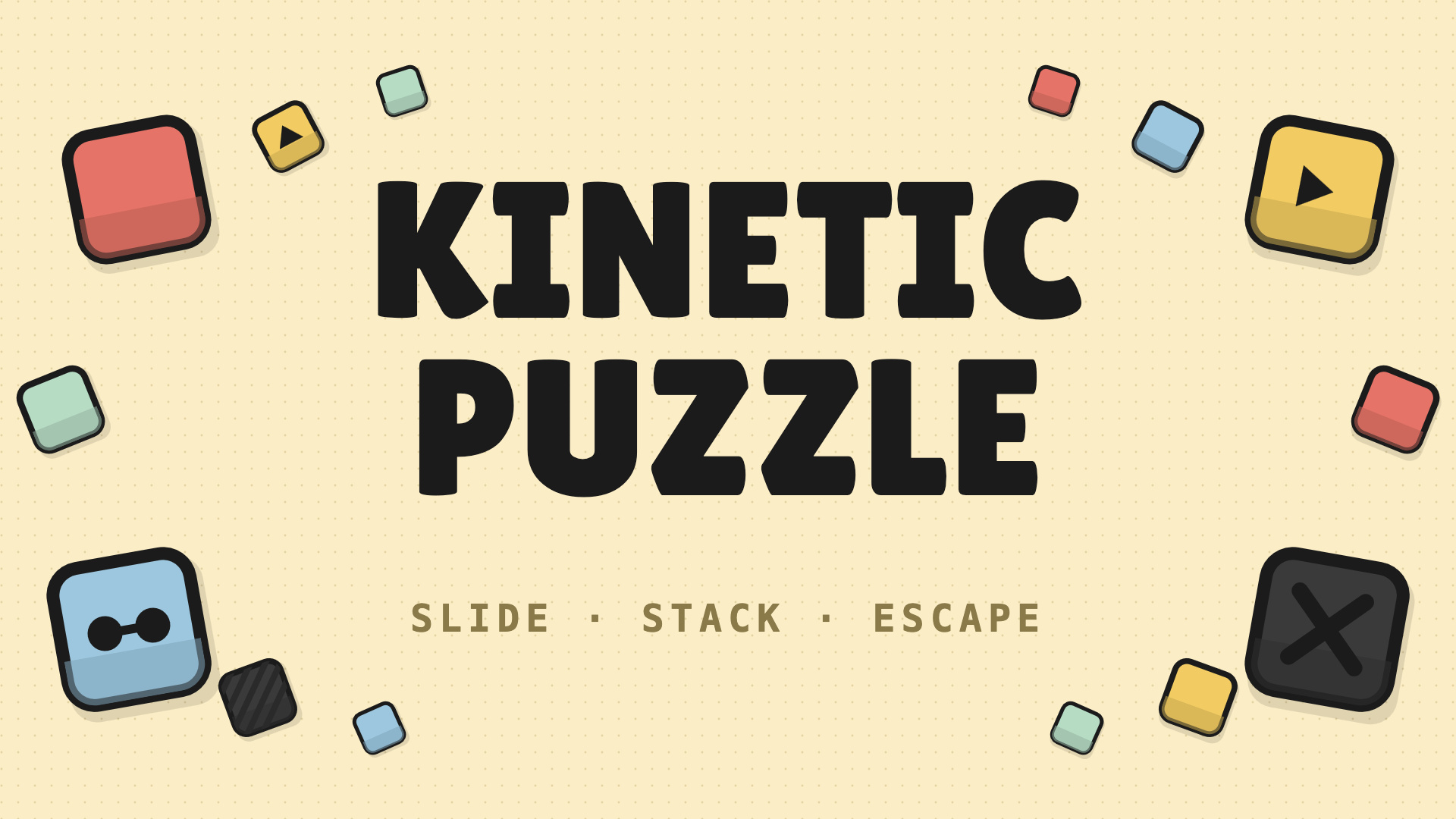
Kinetic Puzzle is a block and grid puzzle brain teaser. Blocks slide with momentum until they hit a wall, an obstacle, or another block. Drag them out through edge portals — but only if the order, direction, and dependencies line up.
Master four block types:
- Red simple — slides any direction, exits any portal.
- Yellow constrained — only moves and exits in its arrow direction.
- Blue dependent — locked until its prerequisite block leaves the board.
- Gray obstacle — fixed walls that block momentum.
Features:
- 50++ hand-crafted levels, ramping from gentle slides to multi-step dependency chains
- Slide momentum mechanics — every push counts
- Neo-brutalism art style with chunky tiles and tactile feedback
- No timers, no ads mid-puzzle
- Auto-save progress, undo, and hint support
- Plays great on mobile, tablet, and desktop
- Perfect for puzzle fans who like to think before they move.
🎮 Playgama🤖 For Android🍎 For IOS🖥️ For Desktop🌐 EN🖥️ Landscape👥 Male & Female
📖 How to Play
Goal
Remove every red, yellow, and blue block from the board through the orange edge portals. Gray obstacle blocks stay where they are.
Movement rule
Blocks slide with momentum: they keep going in the swiped direction until they hit a wall, an obstacle, or another block. To exit, line a block up with a portal and slide toward it.
Desktop controls
- Mouse swipe: click and drag a block in a cardinal direction (up / down / left / right), then release. The block slides until it hits something.
- Drag-to-exit: drag a block past the board edge through an aligned portal to remove it.
- Undo / Hint / Restart / Pause: bottom and top HUD buttons.
Mobile / touch controls
- Swipe: touch a block, swipe in a cardinal direction, release. Same momentum rule applies.
- Drag-to-exit: hold a block and drag it past the edge through a portal to remove.
- Tap: HUD buttons (undo, hint, restart, pause) all tap-friendly.
💡 Tips & Strategies
- Master the movement mechanics early on. Practice controls in a safe corner of the screen before rushing into intense action.
- Keep an eye on cooldowns and patterns. Every obstacle, enemy, or puzzle on screen has a predictable cycle.
- Configure your screen resolution and volume settings. Clear sensory feedback helps you react milliseconds faster.
⭐ Game Features
- ✔100% Free to Play: Directly in your web browser with absolutely no installations or downloads.
- ✔HTML5 Optimization: Highly optimized engine performance for seamless play on both mobile devices and desktop screens.
- ✔Challenging Gameplay: Progressive difficulty levels that test your reflexes, strategy, or logic.
- ✔Community Approved: High rating with millions of active plays across the browser gaming community.
❓ Frequently Asked Questions (FAQ)
💬 Player Comments & Reviews
Rate This Game
Love playing Kinetic Puzzle? Cast your vote below to help shape community recommendations.
Click a star to vote
🎮 Control Keys
Aim / NavigateMouse
Action / JumpTap
Move / NavigateSwipe
Move / PlaceDrag
PlayTouch