Back
🪜Play Jump And Run For Brainrot Free Online

🪜
Jump And Run For Brainrot
Platformer Game
⭐ 4.5/5 Rating
🔥 12M+ Plays
Rating: ★ 4.5|12M+ Plays
|
📝 About Jump And Run For Brainrot
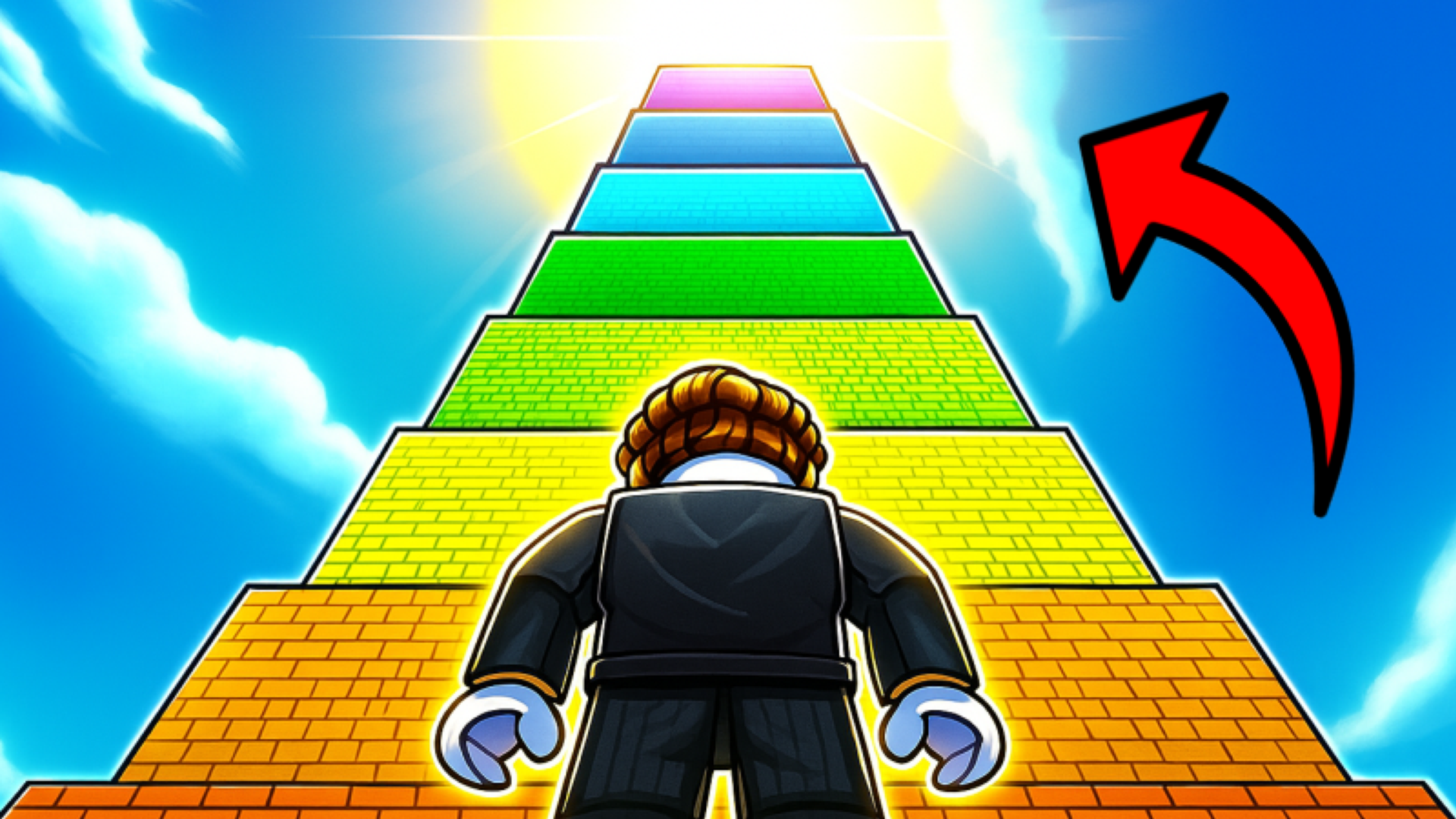
Run and Jump for Brainrot is a fast-paced game where your goal is to collect Brainrot memes and grow stronger.
Jump across platforms to gather Brainrot, bring it back to your base, and power up. Level up to jump higher and reach even more challenging areas.
🎮 Playgama🤖 For Android🍎 For IOS🖥️ For Desktop🌐 EN🌐 RU🖥️ Landscape👥 Male & Female
📖 How to Play
Desktop
WASD / Arrow Keys = Move the character
Right Mouse Button (hold and drag) = Rotate the camera
Spacebar = Jump
Left Mouse Button = Attack
Q = Drop Brainrot
E = Take Brainrot
R = Back to base
Z = Rebirth
P = Settings
Tab = Slow mode
Mobile
Left joystick = Move the character
Swipe on the right side of the screen = Rotate the camera
Jump button = Jump
Attack button = Attack
Drop button = Drop Brainrot
Take button = Take Brainrot
💡 Tips & Strategies
- Master the movement mechanics early on. Practice controls in a safe corner of the screen before rushing into intense action.
- Keep an eye on cooldowns and patterns. Every obstacle, enemy, or puzzle on screen has a predictable cycle.
- Configure your screen resolution and volume settings. Clear sensory feedback helps you react milliseconds faster.
⭐ Game Features
- ✔100% Free to Play: Directly in your web browser with absolutely no installations or downloads.
- ✔HTML5 Optimization: Highly optimized engine performance for seamless play on both mobile devices and desktop screens.
- ✔Challenging Gameplay: Progressive difficulty levels that test your reflexes, strategy, or logic.
- ✔Community Approved: High rating with millions of active plays across the browser gaming community.
❓ Frequently Asked Questions (FAQ)
💬 Player Comments & Reviews
Rate This Game
Love playing Jump And Run For Brainrot? Cast your vote below to help shape community recommendations.
Click a star to vote
🎮 Control Keys
MoveWASD
Move / ControlArrow Keys
Aim / NavigateMouse
ReloadR
Interact / UseE
Move / NavigateSwipe
Move / PlaceDrag
PlayTouch